

Working with Juno
What to expect at each step, and why.
£59 including VAT for three months’ access. Buy again to extend.
Juno helps you work out if your business idea is worth building. It does four things: asks you questions, looks at the market, writes you an interview guide, and reads the answers. This guide covers what to expect at each step.
How to begin with Juno
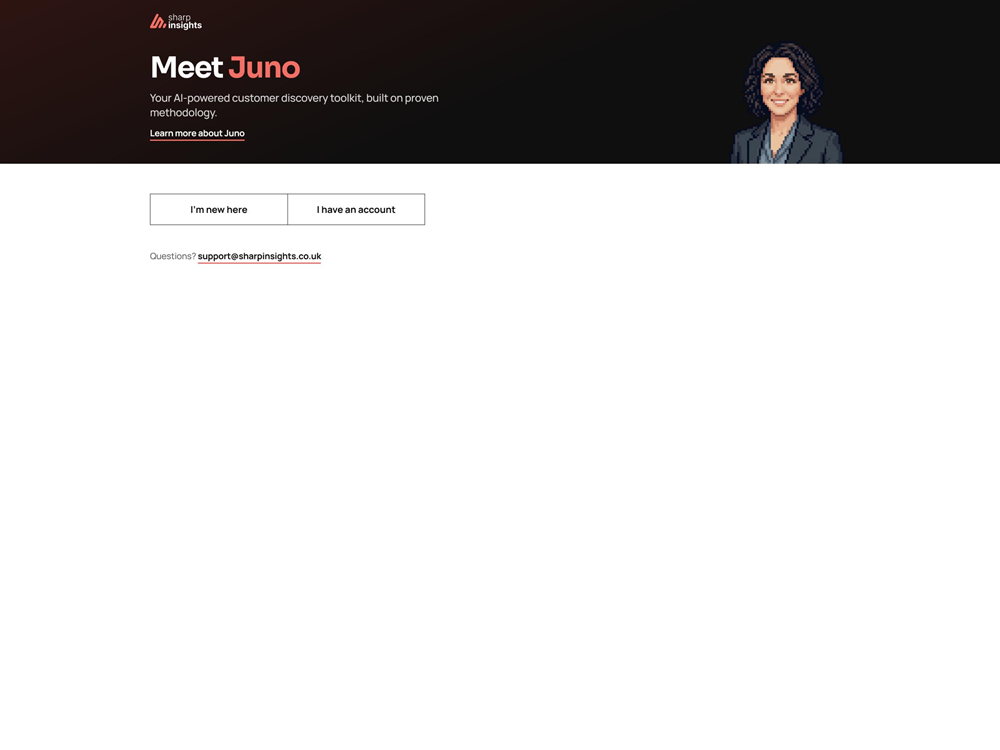
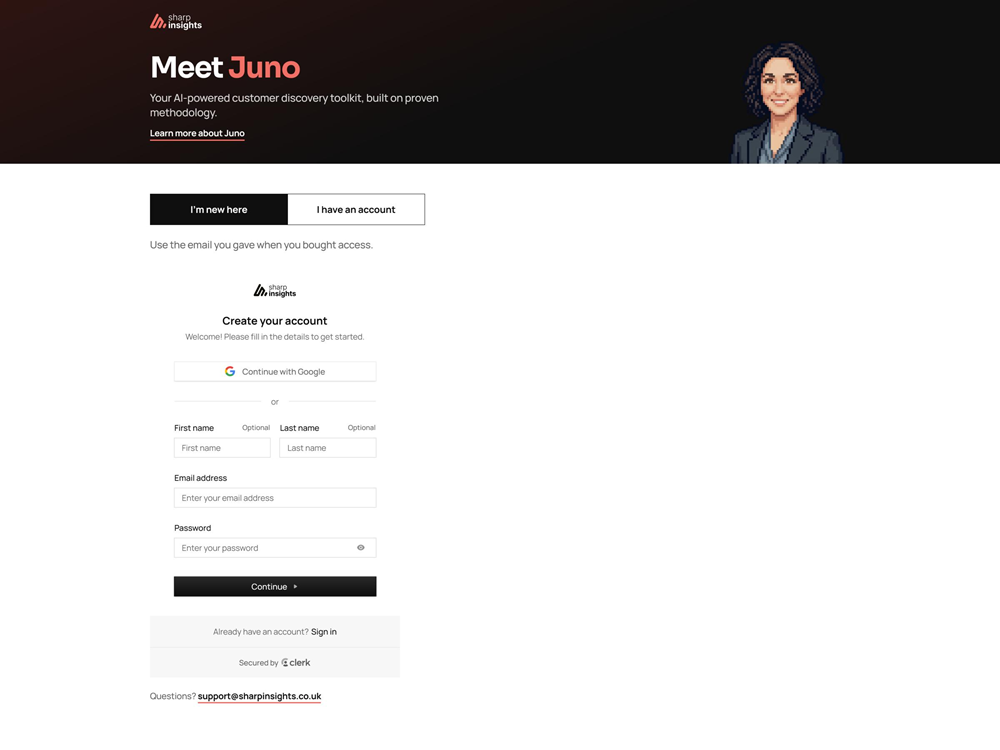
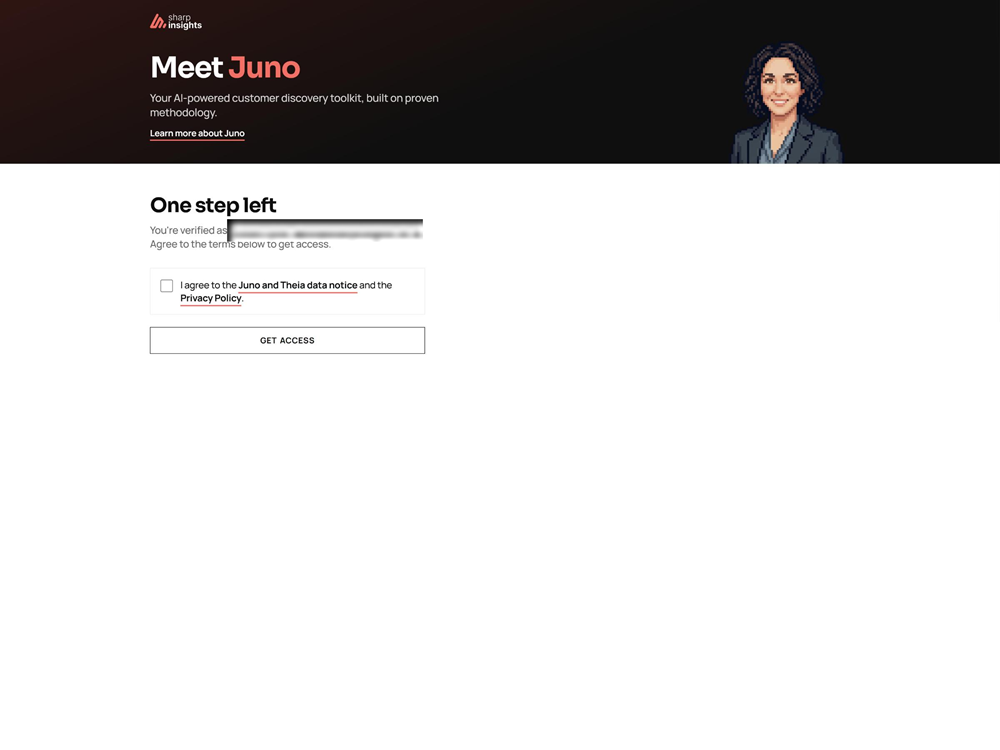
Getting in is quick. Buy access first, and give the email address you'll sign in with at checkout. Then click "I'm new here" and continue with Google or create an account, using that same email. Tick the box to agree to the data notice and the privacy policy, and you're in.
The first time you chat with Juno, it asks you seven short questions: your name, what you're building, who it's for, and so on. Give yourself about fifteen minutes to answer them properly. They set up everything else, including a clear picture of who you're building for.
Foundations
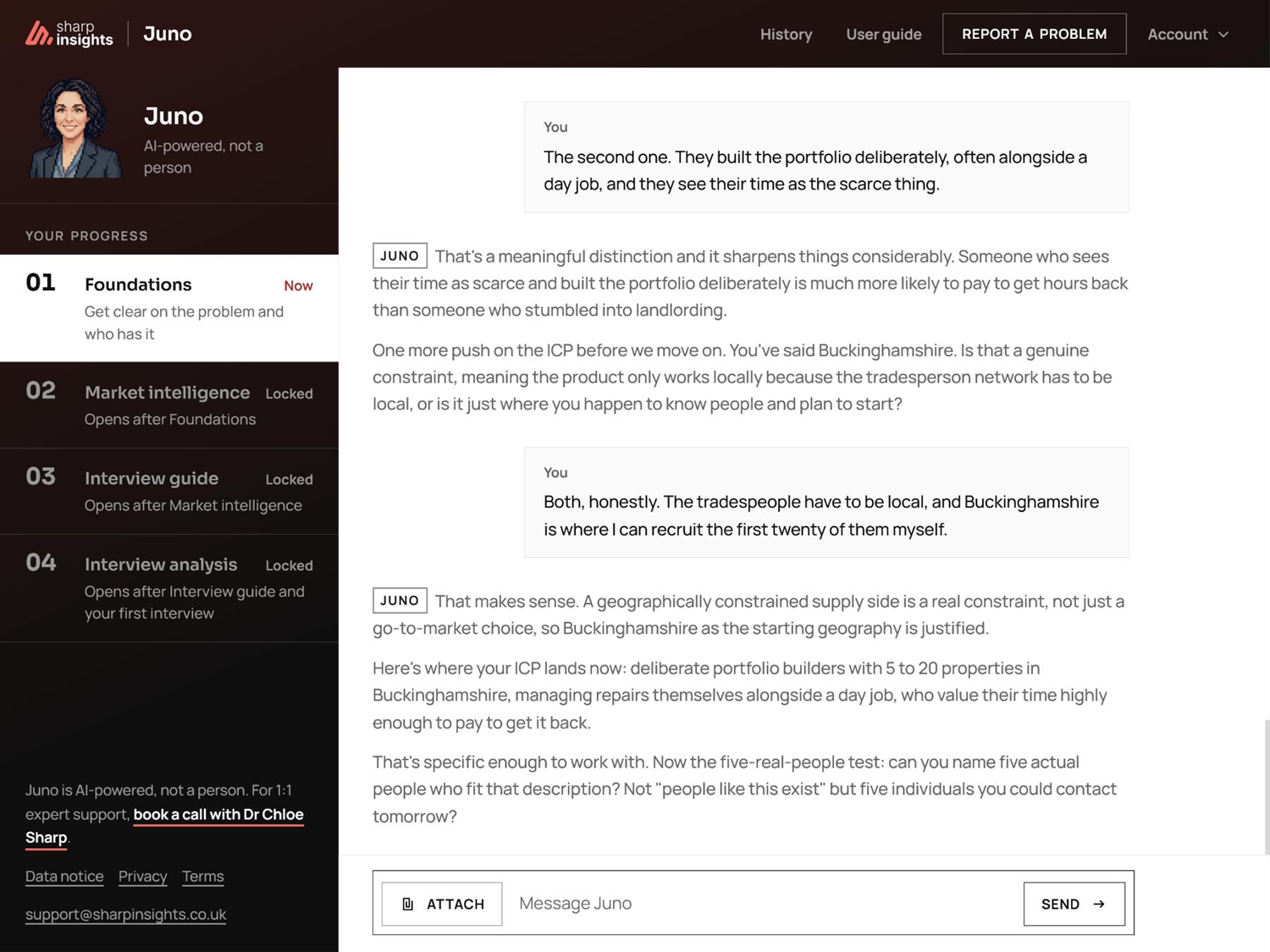
Juno starts by pinning down two things. What problem you think you're solving, and who you think has that problem.
Almost every failed startup gets one of these two things wrong. If the problem isn't real, nothing else you do matters. If the person isn't right, the evidence you collect later doesn't mean much.
Expect a back-and-forth conversation. Juno will push if your answer is vague, and offer examples if you get stuck. When it has a clear problem, a clear customer, and a short list of assumptions to test, this stage closes.
Market
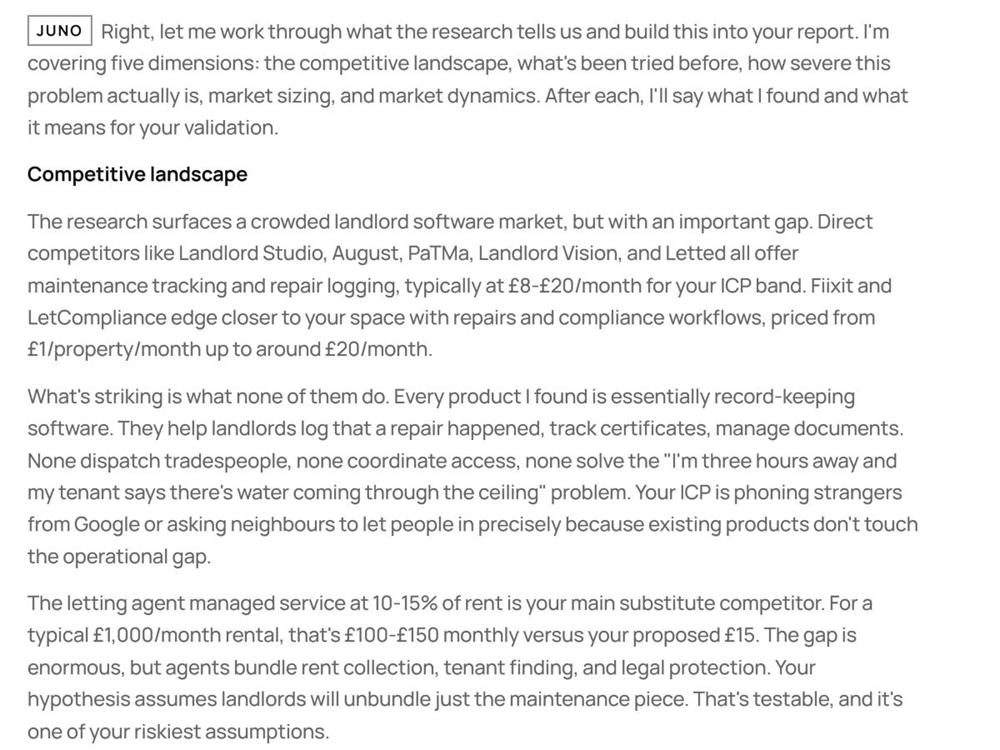
Next, Juno looks at your market. Who else is solving this problem, what they charge, and how big the need is. This helps build your interview guide.
Juno runs a live search. It doesn't guess from old information. So you get what's true today, not two years ago.
You'll get a short report. It covers your competitors, the size of the market, and a check of the assumptions you listed in Foundations.
You don't have to agree with it. Juno is useful for spotting blind spots, not for making decisions for you.
Interview guide
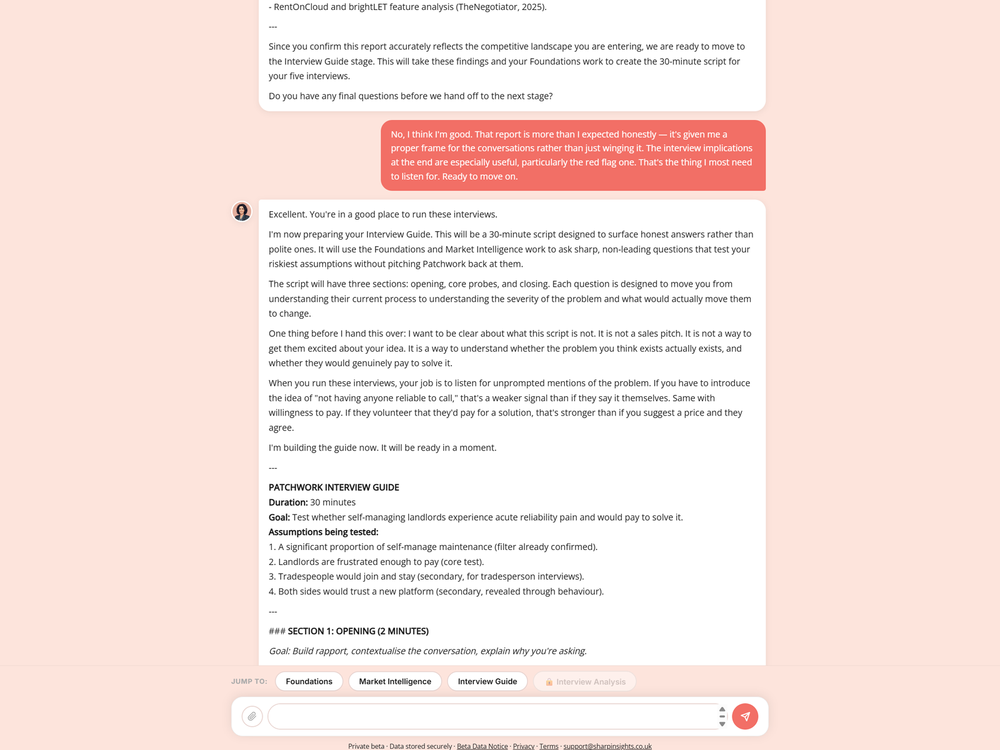
Juno writes you a set of interview questions, tailored to your problem and your customer and guides your interview technique.
The interview guide uses a "problem and solution" approach to get as much value as possible.
You'll get around twelve questions, getting more specific as you go. The order matters. Early questions build trust, later questions test the assumptions you're least sure about.
Copy them, take them to your interviews, and come back with the transcripts ready for the next stage.
Analysis
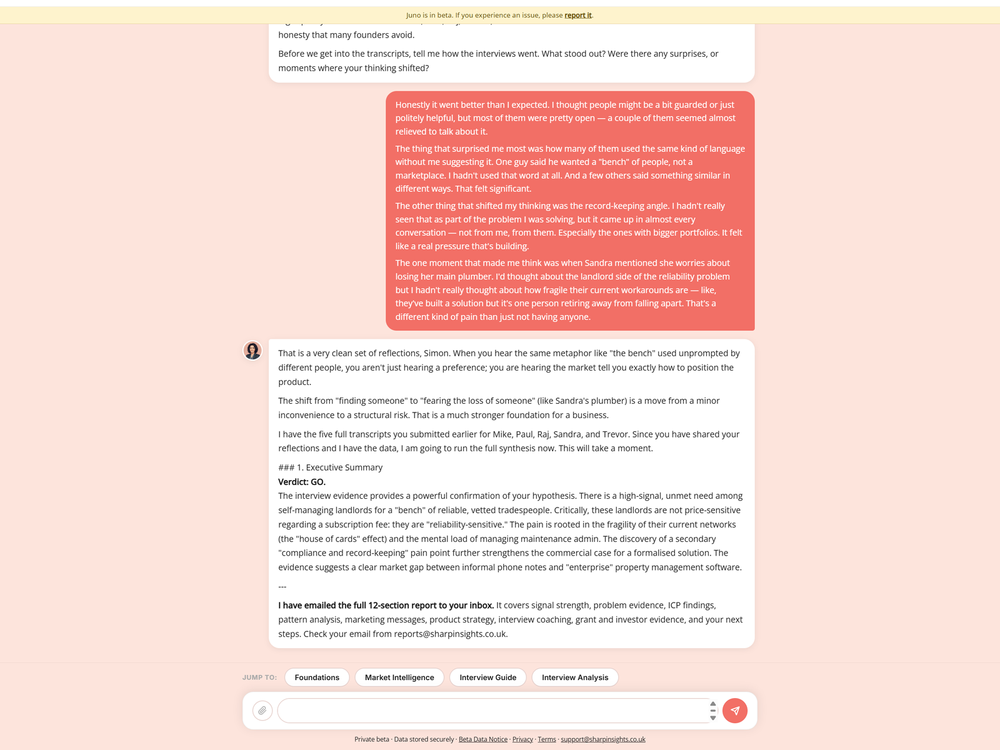
Last, you upload your interview transcripts and Juno gives you feedback and tells you when you've got enough information to stop interviewing.
When you do, Juno analyses the transcripts together and writes you a report that covers what people actually said, where your idea held up, where it didn't, and what to do next.
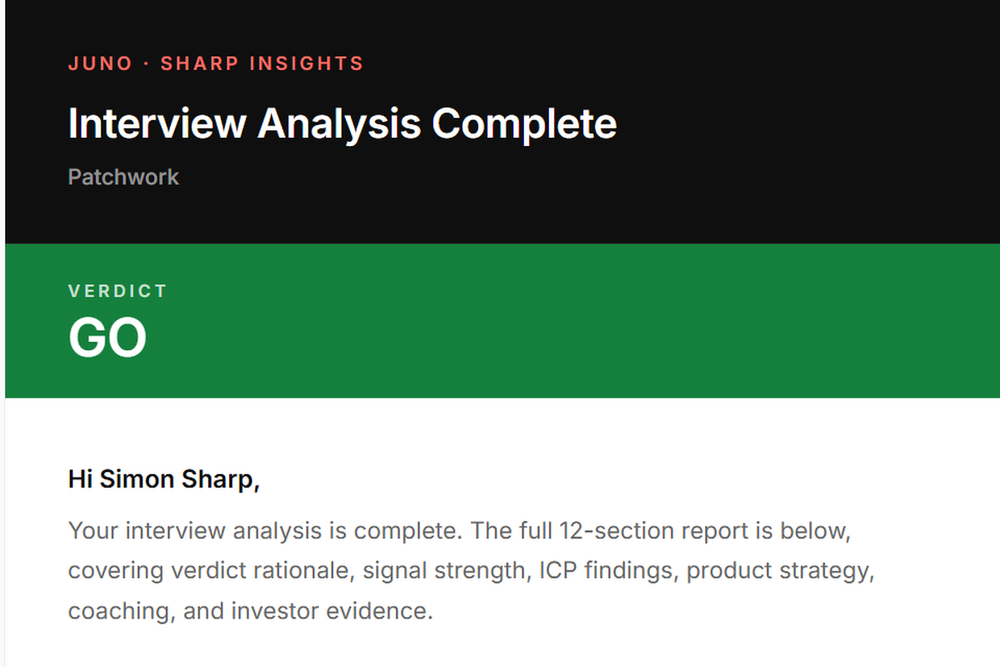
It ends with one of three verdicts: Go, No-Go, or Pivot. Go means the evidence supports the idea. No-Go means it doesn't. Pivot means part of it is right, but something needs to change.
We also email you the full report, so you've got a copy outside the app which you can use for grant applications, investor pitch decks, product decisions and marketing ideas.
Coming back
Juno remembers you between visits.
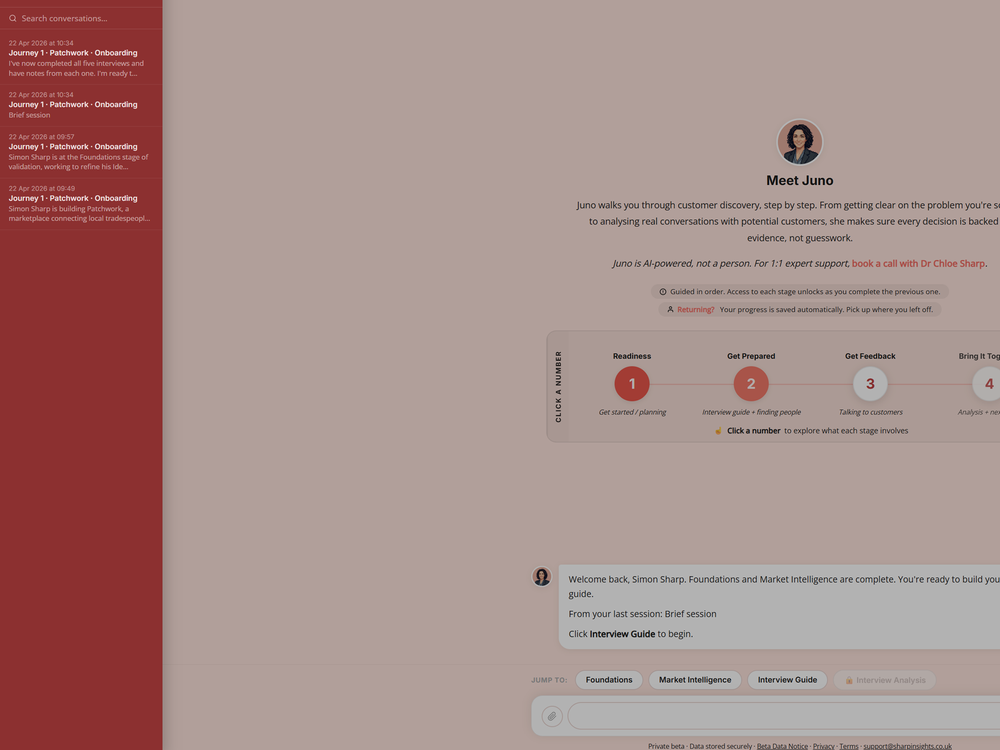
When you sign in again, you'll see a list of your past chats in a sidebar on the left. Click any of them to re-read what you covered but you aren't (currently) able to continue that chat.
Start a new chat and you can carry on where you left off, or tell Juno you're working on a new idea. It will reset to Foundations and walk you through the stages again.
You can keep more than one idea going in Juno. Each idea gets its own set of stages.
If you get stuck
If anything breaks, or Juno doesn't behave as you were expecting, please tell us.
The fastest way is the bug report button inside Juno. It lets you send a short description of what went wrong. You can also attach the chat you were in at the time.
For anything else, or if you'd rather email, write to support@sharpinsights.co.uk. We'll reply.
Ready when you are
Buy three months' access, or talk to us first. If you already have access, sign in at juno.sharpinsights.co.uk. Along the way we may be in touch to see how you're getting on.
Your feedback helps us make Juno better.